Moving from Jira to IBM EWM is more than moving tickets: teams can also lose rich comments, a workflow that is readable at a glance and, with Confluence, their knowledge base. Syncheo offers four tools, each addressing one of these gaps. Use them separately or combined, to migrate projects in waves or to run Jira and EWM side by side.
Five combinable packs: Connect (ticket synchronisation), Essentials (+ rich comments), Experience (comments + workflow, without touching data), Continuity (the core of the offer: data, comments and workflow for a migration without disruption) and Complete (+ XWiki wiki linked to ELM, to leave Confluence as well).
All our products at a glance
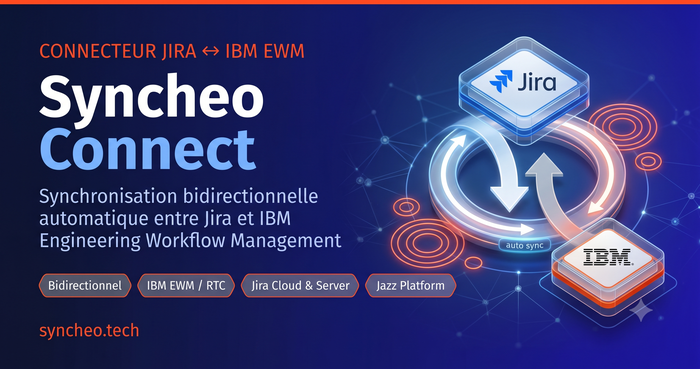
Syncheo Connect — Jira ↔ IBM EWM Connector
Automatic bidirectional synchronisation between Jira and IBM EWM
See details ↓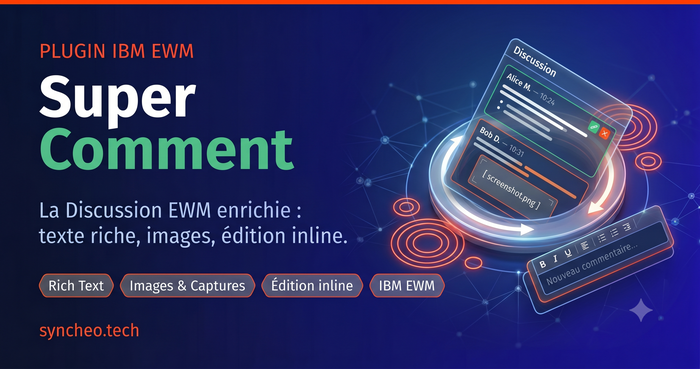
Super Comment
The EWM Discussion section, finally up to your team's standards
See details ↓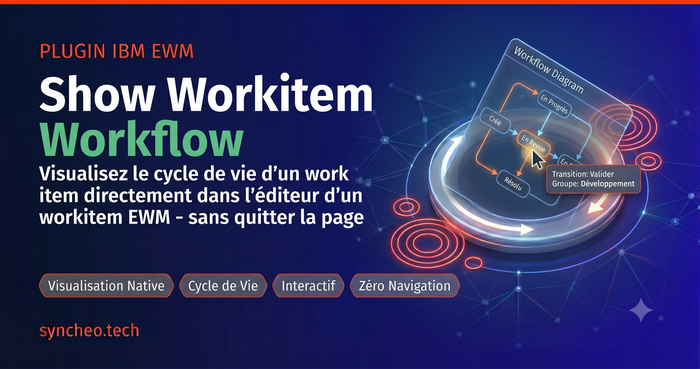
Show Workitem Workflow
Visualize the full workflow without leaving the work item editor
See details ↓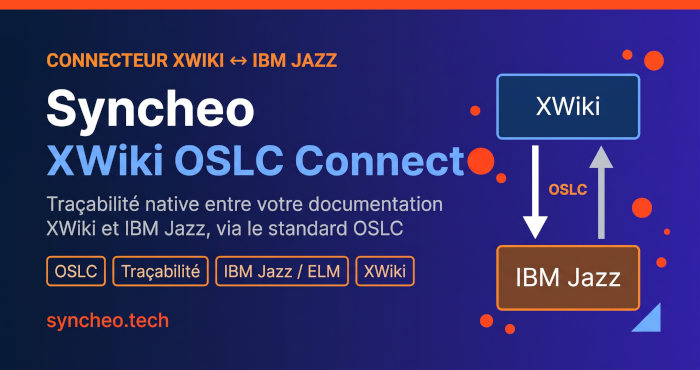
XWiki ↔ IBM Jazz Connector (OSLC)
Link your XWiki pages natively to IBM Jazz engineering artifacts
See details ↓Each product in detail
Syncheo Connect — Jira ↔ IBM EWM Connector
Automatic bidirectional synchronisation between Jira and IBM EWM
Tickets, fields, comments, and attachments are automatically kept consistent across both tools. Intuitive web interface, configurable scheduling, email alerts, and real-time logs.
View productSuper Comment
The EWM Discussion section, finally up to your team's standards
Rich text editor, preserved images, inline editing and deletion, automatic splitting of long comments, access control, and draft recovery.
View productShow Workitem Workflow
Visualize the full workflow without leaving the work item editor
An interactive state diagram displayed directly inside the EWM editor — states, groups, and transitions on hover, with no extra navigation required.
View productXWiki ↔ IBM Jazz Connector (OSLC)
Link your XWiki pages natively to IBM Jazz engineering artifacts
A native OSLC connector between XWiki and IBM Jazz: bidirectional traceability links, preview and editing of XWiki pages from Jazz, an OSLC delegated picker, Jazz menu integration and shared authentication.
View product